
This will be the last release before final One.
Iso is build with the Your Distro From Scratch tool.
ISO : https://jukebox.linuxconsole.org/testing/LinuxConsole2026/linuxconsole.2026-11-12-x86_64.iso
SHA256 : https://jukebox.linuxconsole.org/testing/LinuxConsole2026/linuxconsole.2026-11-12-x86_64.iso.sha256
What is new in 2.12-RC2 relase ?
1 – Compatible with MultiOS-USB
You can boot on USB Key with this tool, Get it from [Github] (https://github.com/Mexit/MultiOS-USB)
2 – Faster with Ventoy
Using a [Ventoy release] (ventoy/Ventoy#3745) greater than 1.1.18
3 – Kernel 6.18.29, Busybox 1.36.1
[make_config_ini] (https://github.com/linuxconsole-org/ydfs2/blob/2.12/2.12/scripts/make_config_ini)
4 – Packages in the core module
[ more than 1000 packages ] (https://github.com/linuxconsole-org/ydfs2/blob/2.12/2.12/packages/list-x86)
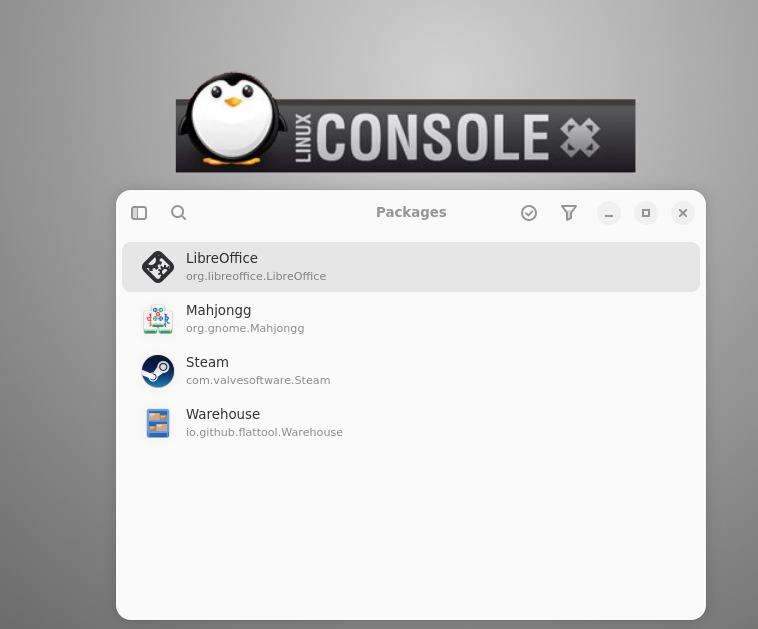
[ Flatpak is now available ] (https://github.com/linuxconsole-org/ydfs2/blob/2.12/2.12/packages/list-updates)
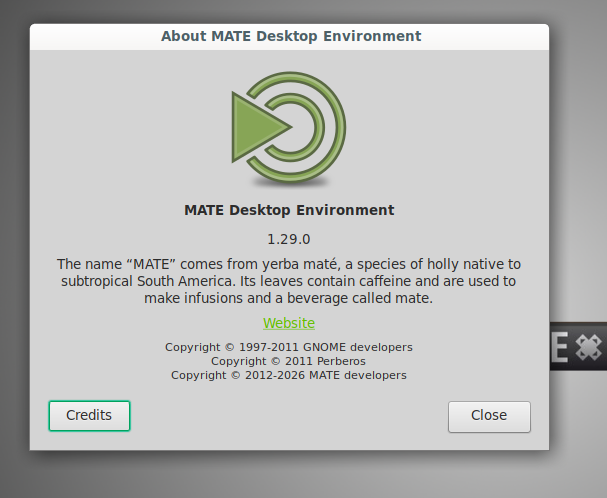
5 – Mate Desktop 1.29.0
6 – New modules in initramfs
To boot from MMC cards and external ssd/nvme
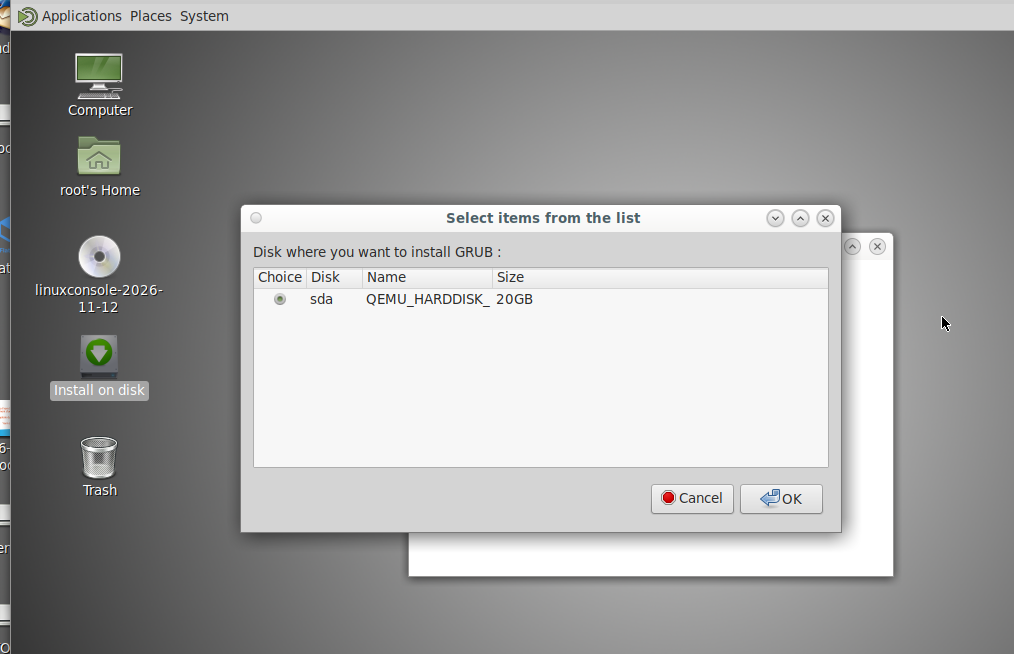
7 – Auto install script for empty Hard disks
Available both from booting Legacy and UEFI
8 – New Locales
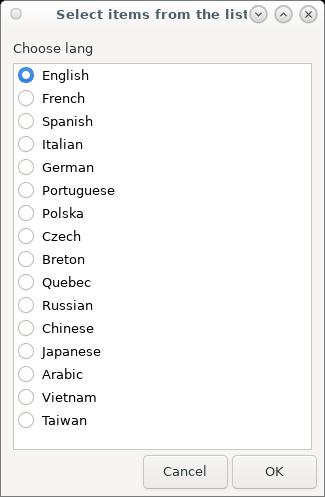
Basque (eu_ES)
Romanian (ro_RO)
Ukrainian (uk_UA)
Greek (el_GR)
Vietnamese (vi_VN)
Taiwan,Traditional Chinese (zh_TW)
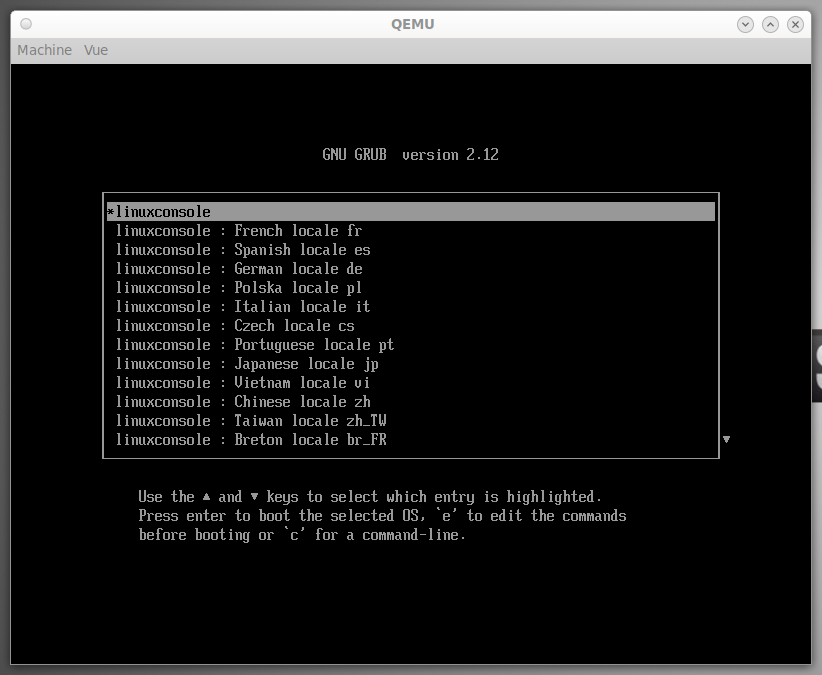
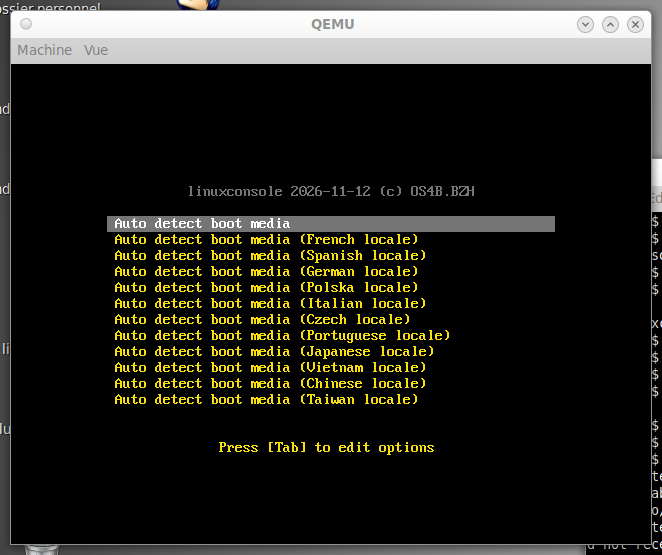
9 – Selecting locale is available in early boot
On UEFI And Legacy
10 – Tools
CUPS 2.4.19
Flameshot
Vlc 3.0.24
Audacity 3.1.3
Chntpw
Gimp 2.10
Lmms 1.2.2
11 – Education
Gcompris 2.4
Stellarium 1.0
12 – Games
Xmoto 0.6.1
Extremetuxracer 0.8.1
SuperTuxKart 1.4
CalcMySky 0.1.0
Wesnoth 1.16.6
Astromenace 1.4.1
SuperTuxKart 1.4
13 – Kernel config based on Arch linux
To improve hardware compatibility
14 – Kernel module on initramfs
Previously all kernel modules needed for booting were building in the Kernel This will make possible to change initramfs without rebuilding the Kernel
15 – Pivot-root / Flatpak
On early booting, pivot root is enabled on tmpfs. This makes possible using Flatpak It is possible to enable a loopback file on the USB Key to store Flatpak data
16 – FixUSB option
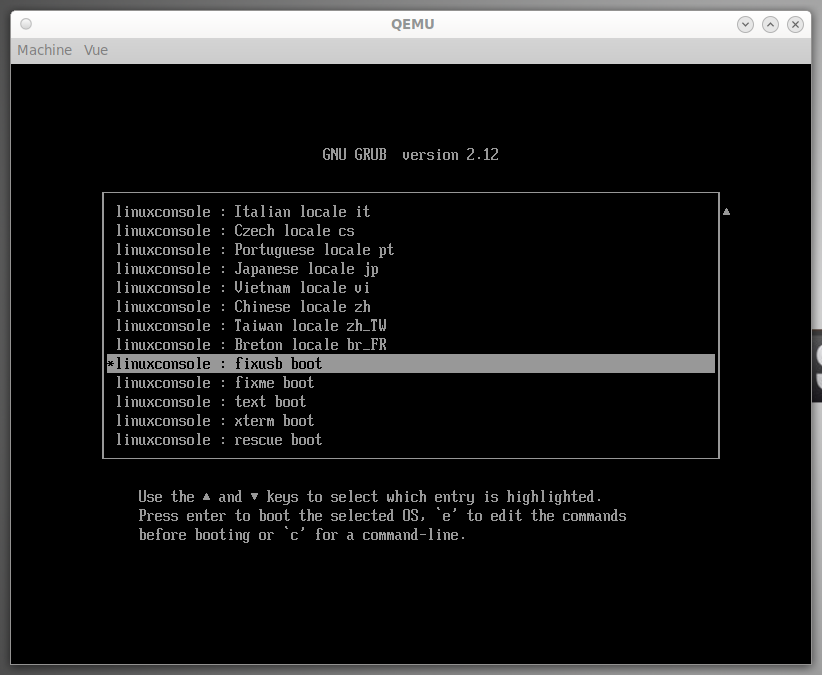
By putting scripts into an “fixusb” folder, inside an USB key, you can change the behavior
Tested with Ventoy and MultiOS
Some scripts are available on [https://github.com/linuxconsole-org/fixusb] (https://github.com/linuxconsole-org/fixusb)
17 – Auto connect wireless
By writing a /ydfs/wireless.cfg file on the USB key, Wireless network will be up at startup
18 – Installation easier in dual boot
Scripts have been successfully tested on [Linux Mint] (https://raw.githubusercontent.com/linuxconsole-org/ydfs2/refs/heads/2.12/addons/install-with-grub.sh) and [Catchy OS] (https://github.com/linuxconsole-org/ydfs2/blob/2.12/addons/install-with-limine.sh)